Sensory App House
Software for Reading Support, Therapy, Communication and Early Learning






Featured Sensory Apps
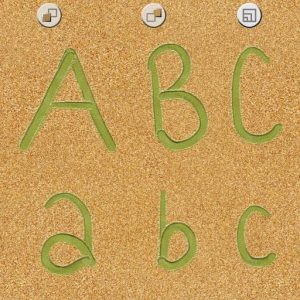
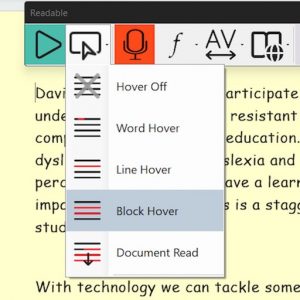
Sensory Readable
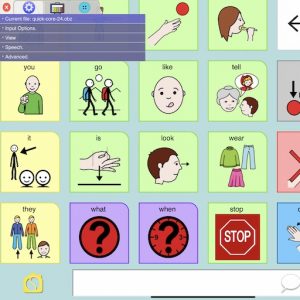
PiCom AAC
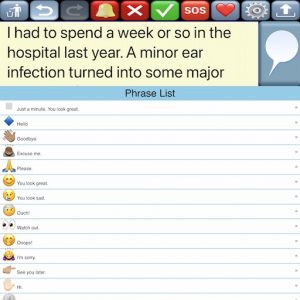
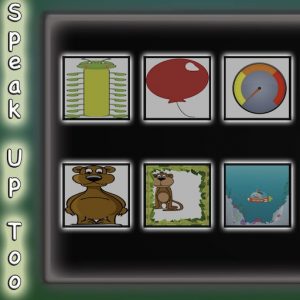
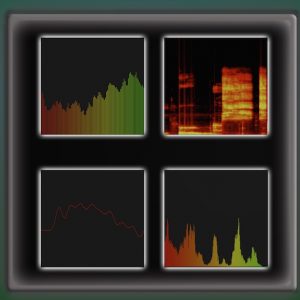
Speak Up Too – Vocalise
Sensory Range
Sensory Apps Live
Free
- Access to a range of Sensory Live! full screen web apps
- Apps can be installed
- Windows PC, Chromebooks, Macs, Tablets
- Switch Accessible
- Early Learning
- Speech Therapy
- Digital Art
- Switch Games
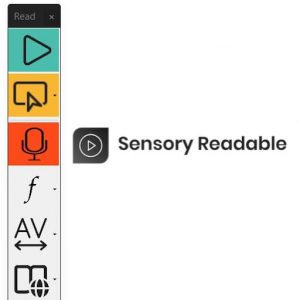
Sensory Readable
Paid licenses
- “Point and Speak” cursor tracking
- Automatic proof-reader
- listen to Microsoft documents, PDF files, web pages
- Novel "underline-highlight" with TTS
- Extra Windows accessibility
- Premium text to speech voices
- Optical character recognition
- Sensory reading Ruler & Tint
PiCom Communicator
Free
- Range of proven communicator templates
- Open Board Format (.obf or .obz)
- Open Source
- Many access control input methods
- Global Symbols integration
- Use on tablet, PC or phone
- Windows, iOS and Android
- No internet required to run
sensory app house
Contact Us - [email protected]
Sensory App House creates apps for learning support, coordination ,relaxation, fun, art, communication and speech therapy. Our apps can be used by professional therapists and educators to help younger people with visual, reading, speech development and sensory issues.
Our apps have been mostly for free, and we are delighted to have had over 4 million downloads over the years. Thanks for your support!
We have a strong understanding of disabilities and difficulties, and make apps to help assist, even in the smallest of ways. Many of the cause and effect and communication apps are fully switch accessible.
We develop for many platforms - iPads/iPhones, Chromebooks, Android, Web Apps, Windows and Mac. Please contact us about licensing and partnerships.
Sensory App House was founded by Professor Paul Blenkhorn and Dave Stevens, who also both co-founded reading and writing assistive software specialist Claro Software Ltd.
EASE OF USE
We try to design the apps to be easy to use - simple settings, no adverts or data collection
FREE & LOW COST
Many of our apps have been free for end users from the main app stores. We aim to keep our apps free or low cost
Innovative
We try to innovate in creating accessible Sensory apps, exploring the new possibilities and supporting all access hardware devices
Flexible
We aim to listen and understand, and are flexible in our partnerships. Please contact us with any feedback or queries.
News & Resources
Articles, Videos, help and more
PiCom first releases available for free download
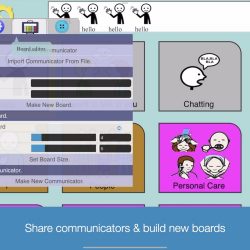
PiCom is a new Augmentative Alternative Communication (AAC) software app from Sensory App House. PiCom is a picture symbol communicator with text to speech or recorded voice output, that runs on a wide range of tablets, phones and computers. PiCom is available for Windows, Chromebook, Android tablets/phones, iPads and iPhone. PiCom is designed to assist
-> Continue reading PiCom first releases available for free download
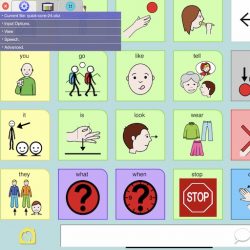
Come visit us at ATIA2023 Booth 619
We are delighted to be visiting the ATIA 2023 Conference in Orlando, exhibiting on stand 619, 1st to 4th Feb. Our new release for 2023 is a new Picture Communicator, called PiCom. PiCom is designed to assist people who have difficulty speaking and for whom symbol communication is deemed appropriate. This could be in a
-> Continue reading Come visit us at ATIA2023 Booth 619

How to Install Sensory Web Apps
The Sensory Web Apps from Sensory Live can be installed on most devices, and will run full screen after launching from the app icon. Make sure your Windows PC, or Apple Mac has either the Google Chrome Browser or new Microsoft Edge Chromium Browser installed. Your Chromebook will already have the Chrome browser. If you
-> Continue reading How to Install Sensory Web Apps
Alternative Access Control for Sensory Apps – Updated
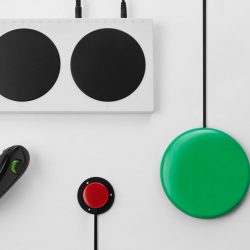
Many of the Sensory Apps can be controlled via keyboard access and bluetooth or wired switches that output numbers 1,2,3,4,Space,Enter (or ~1,2,3,4). The access details can vary per app, as the functions are different. We also accept that some apps (for example speech therapy or creative art apps) will be used by a teacher with
-> Continue reading Alternative Access Control for Sensory Apps – Updated

Sensory apps for early learners with complex needs
Many of the Sensory apps are designed for early visual engagement, tracking & vocal development for early learners with complex needs. There are several ways Sensory Apps can help individuals with complex needs. For example, they can help with initial stimulation and engagement of the user. Just to get their attention and focus. Many of
-> Continue reading Sensory apps for early learners with complex needs
Switch Accessible Games – new releases
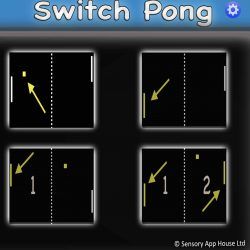
Sensory App House have just released 4 new switch accessible games. Switch Pong is a switch accessible version of the classic table tennis, ping pong, paddle, tennis ball game. Switch Pong allows the game to be controlled by touch/tap, pointing device, bluetooth access switches, external bluetooth keyboard, Microsoft Adaptive Controller or XBox Controller. This app
-> Continue reading Switch Accessible Games – new releases

New Sensory SandBox – a realistic, colorful sandy app for freehand
Sensory SandBox. Well, it’s not a real sandbox, but this app is full of colorful sand and realistic textures. Explore writing letters, words, numbers, symbols and creating unusual sandy drawings. Enjoy the many shades and colors. Writing and drawing by touch, with the finger or any stylus may be helpful and certainly can be a
-> Continue reading New Sensory SandBox – a realistic, colorful sandy app for freehand

New for 2021 – Sensory Flocking, simple to use, looks great!
Another fresh app for Sensory App House called Flocking. Flocking is an easy to use app for early learners or special access situations. Touch and move around the screen slowly, and the fish will follow. You can also use a mouse/pointer device to lead the fish. In fact there are 8 different types of digital
-> Continue reading New for 2021 – Sensory Flocking, simple to use, looks great!

Just Touch Too – New Release for 2021
Our first release of 2021 on the Apple and Windows app stores! It is also inside Sensory Live! Just Touch Too from Sensory is an engaging and relaxing touch effects app. Fully accessible with external switches and keyboard, it can be used in a sensory room or anytime. You can experience the live demo on
-> Continue reading Just Touch Too – New Release for 2021
Sensory Live! is now available for 2021
Sensory Live! brings together the popular and new Sensory Apps to be run from the cloud, on any of your computers or tablets. Each app is a full screen experience and allows touch, mouse, keyboard, XBox, switch access or Microsoft Adaptive controller. Advantages of Sensory Live! Access and install most of the Sensory App House
-> Continue reading Sensory Live! is now available for 2021
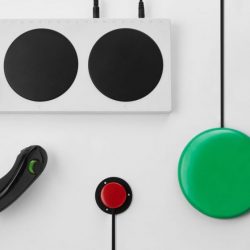
Alternative Access Control for Sensory Apps
Many of the Sensory Apps can be controlled via keyboard access and bluetooth or wired switches that output numbers 1,2,3,4,Space,Enter (or ~1,2,3,4). The access details can vary per app, as the functions are different. We also accept that some apps (for example speech therapy or creative art apps) will be used by a teacher with
-> Continue reading Alternative Access Control for Sensory Apps

Sensory Apps on Android Play Store – more releases
During May 2020 we started a process to replace and extend our Sensory Apps on the Android Play store. This is so that versions of our incredibly popular iOS Sensory Apps can be enjoyed on Android tablets and phones. Also, the same version of these Sensory apps on Android will available for Chromebooks through the
-> Continue reading Sensory Apps on Android Play Store – more releases
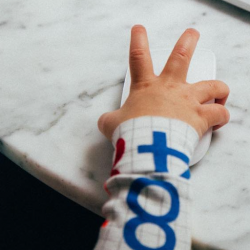
Reminder – all our apps are free with no adverts
If you have arrived at the Sensory App House website from the “Department for Education Guidance (UK), Coronavirus (COVID 19): list of online education resources for home education (SEND)” then we want to make it clear that all our Sensory apps are free. They contain no advertising at all and do not require user registration.
-> Continue reading Reminder – all our apps are free with no adverts
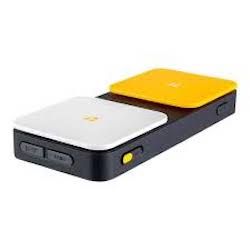
Using iOS Switch Recipes for Sensory Apps
This is a slightly overdue post, but thought it could be helpful. Since release of the first Sensory Apps for iOS, they have mostly been switch accessible. This was prior to switch access support being available in iOS, so these switch accessible apps can be directly affected by a switch input. Given that the apps
-> Continue reading Using iOS Switch Recipes for Sensory Apps

Music playlist with Magma App on iOS
Our Sensory Magma iOS app is great when accompanied by ambient background music. But the Magma app itself doesn’t contain the music, we thought you would have your own preferences and music services available on your iPhone. The good news is that you can select the music playlist you would like, and then open or
-> Continue reading Music playlist with Magma App on iOS

Technical Support
If you require any technical support with any of our apps, please email us at [email protected] or contact us via Facebook at www.facebook.com/sensoryapphouse We will do our best to help.
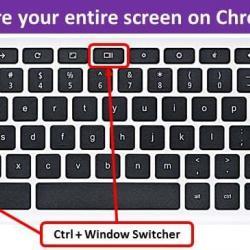
Chromebook – How to save a screenshot
Some of the Sensory Apps for Chromebook (especially the Paintings and Camera apps) don’t contain an image save button. This is because we recommend using the built in Chromebook screen capture functions. […]
App Reviews
Here are a few of our app reviews
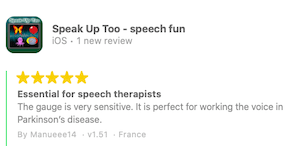
Speak Up Too 5 Stars
The gauge is very sensitive. It is perfect for working the voice in Parkinson’s disease.